How to learn SEO yourself: what to learn first, in order
People who stall on SEO usually learned it in the wrong order. Here is what a lawyer, dentist or accountant should learn first, second and last, and where to stop.
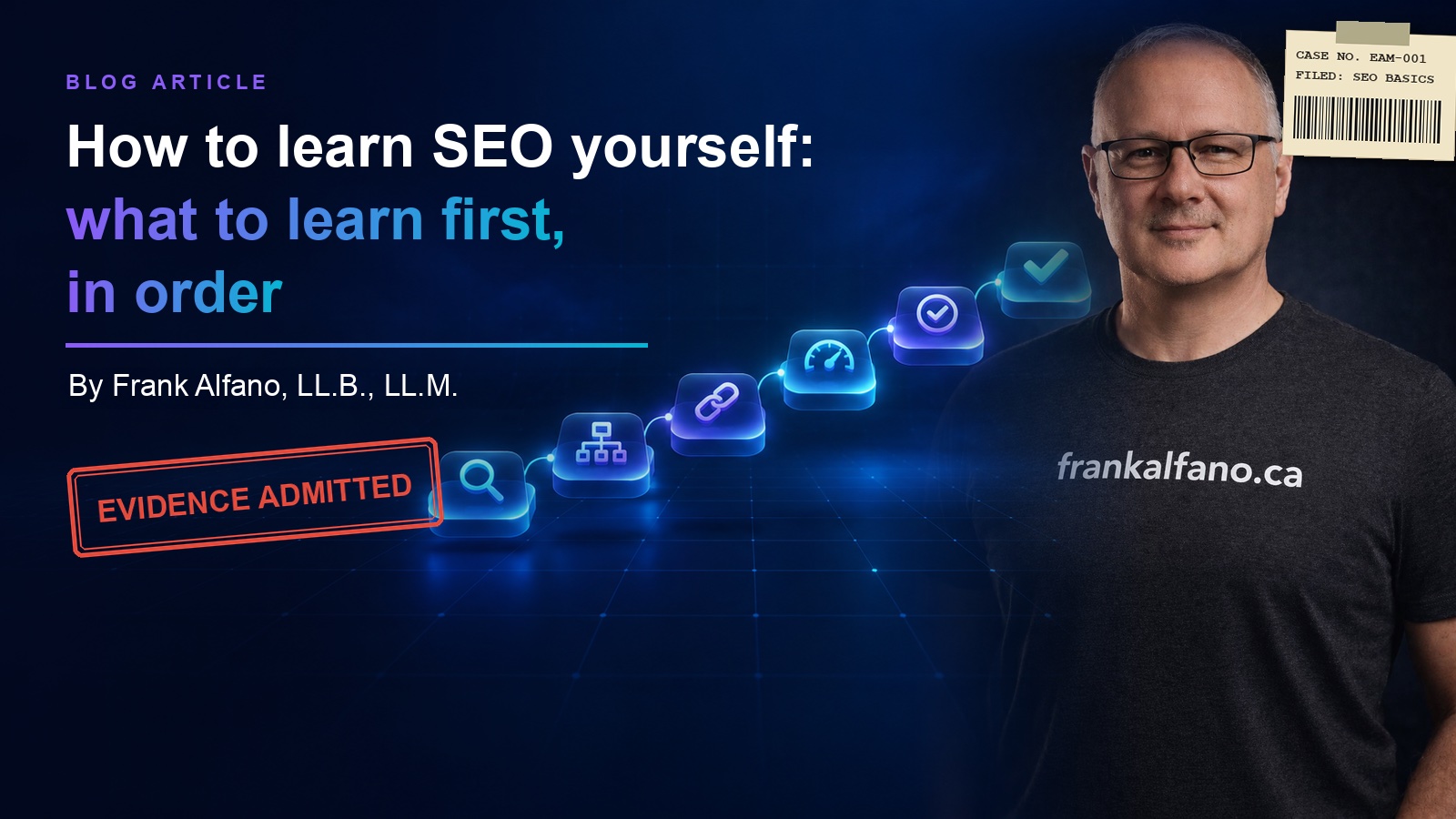
People who stall on SEO usually learned it in the wrong order. They started at the fun end, keywords and blog posts, before Google could find and read the pages those posts sat on.
So, can you learn SEO by yourself? Yes. Google publishes the rules and the main tool for free. What it does not publish is the order, and getting the order wrong is how people spend months on work Google never sees. By the end of this you will know what to learn first, second and last, and where a lawyer, paralegal, dentist, doctor, accountant or vet should stop learning and hand the rest off.
Whether you should do it at all is a separate question, answered in DIY SEO for small business. This piece is the curriculum.
Can you learn SEO by yourself? Yes, if you take it in order
The textbook is free. Google's SEO Starter Guide, last updated in December 2025, is the closest thing the subject has to an official manual, and near the top it gives a fair warning: "There are no secrets here that'll automatically rank your site first in Google (sorry!)."
That is good news. If you have been searching how to learn SEO for beginners, the honest answer is ordinary things done in a sensible sequence, and the sequence matters because each step stands on the one before it. A perfect page title does nothing on a page Google never indexed. A brilliant article does little on a site where every service hides on one page.
The same guide also tells you what to skip. Under "Things we believe you shouldn't focus on" it lists nine items, including meta keywords, keywords in your domain name, a minimum or maximum word count, and the order of your headings. If someone has already sold you a domain name with three keywords and two hyphens in it, Google's guide has politely declined to care.
First, learn how Google finds and reads a page
Google's page on how Search works describes three stages: crawling, where automated programs download your pages; indexing, where Google analyses each page and stores it in the Google index; and serving, where Google returns relevant results when someone searches. A page that fails at stage one or two cannot win at stage three.
Two facts from the Starter Guide do most of the work here. First, "Google primarily finds pages through links from other pages it already crawled." A page nothing links to is a page Google may never find. Second, you can check whether you are in the index yourself. Search Google for site: followed by your domain, and in Google's words, "If you see results pointing to your site, you're in the index."
Sitemaps worry people more than they should. Google's sitemap overview says you might not need one if your site is "small," meaning "about 500 pages or fewer," and well linked internally. Learn what a sitemap is, then move on.
If your site does not show up at all, fix that first. Why your website isn't showing up on Google walks through which stage broke.
Second, learn titles and descriptions
Once Google can read your pages, learn what it shows for them. The title is the blue link in the results, and Google's title link documentation asks for one on every page, written as "descriptive and concise" text. It even names the mistake to avoid: a homepage titled "Home." Google already knew it was your homepage. It wanted to know what you do and where.
The description is the line or two under the link. Google's snippet documentation says it "primarily uses the content on the page" to write that text and may use your meta description "when it describes the page better than other parts of the content." The Starter Guide describes a good one as "short, unique to one particular page, and includes the most relevant points of the page."
Google may rewrite either one. You write the best candidate, and Google chooses. Our on-page SEO checklist that actually matters covers the rest of what belongs on each page.
Third, learn why every service needs its own page
This is the step that changes the most for a professional practice. If your website lists every service on one page called Services, Google has one page to show for a dozen different searches, and one title and one description to describe all of them.
The Starter Guide puts the reason in terms of what people type: "Users who know a lot about the topic might use different keywords in their search queries than someone who is new to the topic." Your clients are the people new to the topic. A lawyer thinks in terms of the legal category; the client types "slip and fall lawyer." A dentist writes "endodontic treatment"; the patient types "root canal." Give each service its own page, title and description, in the words the client uses.
The guide also says something reassuring about structure: "Don't drop everything and start reorganizing your site right now." Add service pages one at a time, starting with the work you most want more of.
Fourth, learn Google Search Console
Set up Search Console on day one, because its URL Inspection tool shows "Google's indexed version of a specific page," which answers the indexing question from step one. Learn to read it now, once you have titles and service pages worth measuring.
Google's help page for Search Console calls it "a free service offered by Google" and adds a point that surprises people: "You don't have to sign up for Search Console to be included in Google Search results." You sign up to see what Google sees.
The report to learn first is Performance. Google's Performance report guide defines its four numbers: clicks, impressions (how many times your site appeared in results), click-through rate, and average position. Its queries tab shows the actual searches that showed your site. That list is the best keyword research a small practice will ever get, and it costs nothing.
Then learn patience. The Starter Guide says "Some changes might take effect in a few hours, others could take several months," and suggests waiting a few weeks before judging a change. How long SEO takes explains where that time goes.
Fifth, learn your Google Business Profile
For a practice that serves people in a place, this is the local half of SEO. Google describes the Business Profile as free, and its help page on improving your local ranking is short enough to read over coffee.
That page says "Local results are mainly based on relevance, distance, and popularity." You cannot move your office closer to every client, so learn the two you can influence. For relevance, the page tells you to "provide complete and detailed business info." Prominence, the page's other word for popularity, draws on "how many websites link to your business and how many reviews you have." It also closes one door early: "There's no way to request or pay for a better local ranking on Google."
Google Business Profile optimization goes through the profile section by section.
Last, learn content
Content comes last because it needs every step above to work. It still counts most, and the Starter Guide says so: "Creating content that people find compelling and useful will likely influence your website's presence in search results more than any of the other suggestions in this guide."
Google's guide to creating helpful, reliable, people-first content says its ranking systems are designed to favour information "created to benefit people, and not content that's created to manipulate search engine rankings." For a professional, that means writing down the answers you already give at intake: what a consultation costs, what to bring, how long the process takes. If the earlier steps are done, those pages get found. If they are not, you have written evidence for a case nobody scheduled.
Where to stop and hand it off
Learn steps one to five well enough to check anyone's work, including ours. Those skills do not expire, and they stop you paying for things Google says it ignores. The part worth handing off is the part that repeats: new service pages, ongoing content, and the technical fixes that need someone in the code. If your hours are billable, that is usually where the arithmetic turns.
We have built more than 40 live sites, and every client gets the code and the server keys, so whoever does the work next, you or us, starts from a site you own. If you want the step-by-step version with checklists, the free DIY SEO Guide sets out how to learn SEO step by step with free tools.
Common questions
Can I learn SEO on my own?
Yes. Google publishes its SEO Starter Guide for free, and Search Console, its main measurement tool, is free as well. The hard part is order: how Google finds and reads a page, then titles and descriptions, one page per service, Search Console, your Google Business Profile, and content last.
Can you learn SEO in one day?
No. You can read Google's SEO Starter Guide in an afternoon, but learning SEO means making changes and watching what happens. The Starter Guide says some changes take effect in a few hours and others "could take several months," and suggests waiting a few weeks before judging a change. The skill takes longer, because the feedback does.
How do I learn SEO for free?
If you are working out how to learn SEO for free, start with Google's own material. The SEO Starter Guide and the page on how Search works cost nothing, and Google Search Console is "a free service offered by Google." The Google Business Profile is free too.
What should a beginner learn first in SEO?
Learn how Google finds and reads a page. Google's page on how Search works says it crawls pages, indexes them and then serves them in results. The SEO Starter Guide suggests searching Google for site: followed by your domain to see whether your pages are in the index. If they are not, fix that before you touch keywords, titles or content.
Which parts of SEO should I hand off?
Hand off the parts that repeat and the parts that need code. Learning how Google reads a page, how titles work and how to read Search Console lets you check anyone's work. If your time bills by the hour, the repeating work and the code work are what a professional can usually do faster than you can learn them.
If you have learned enough to see what needs doing and would rather spend your Saturdays elsewhere, book a conversation and bring your Search Console login. We will tell you which steps you have covered and which are worth handing off.
Want these in your inbox?
Roughly monthly. Unsubscribe any time.