What does website maintenance include? Six jobs you can check
A website maintenance fee with no list of jobs attached is a retainer with no duties. Here are the six jobs, what happens when nobody does them, and the questions that tell you whether yours are being done.
A website maintenance fee with no list of jobs attached is a retainer with no duties in it. You pay it every month, and nobody can show you, in writing, what was done for the money.
The other common arrangement is no plan at all: the site went live, the developer moved on, and it has run on its own ever since. Either way, website maintenance is six named jobs. Once you can name them, you can ask whoever looks after your site which ones they did last month, whether that site belongs to a law office, a dental clinic, an accounting firm or a vet.
What does website maintenance include?
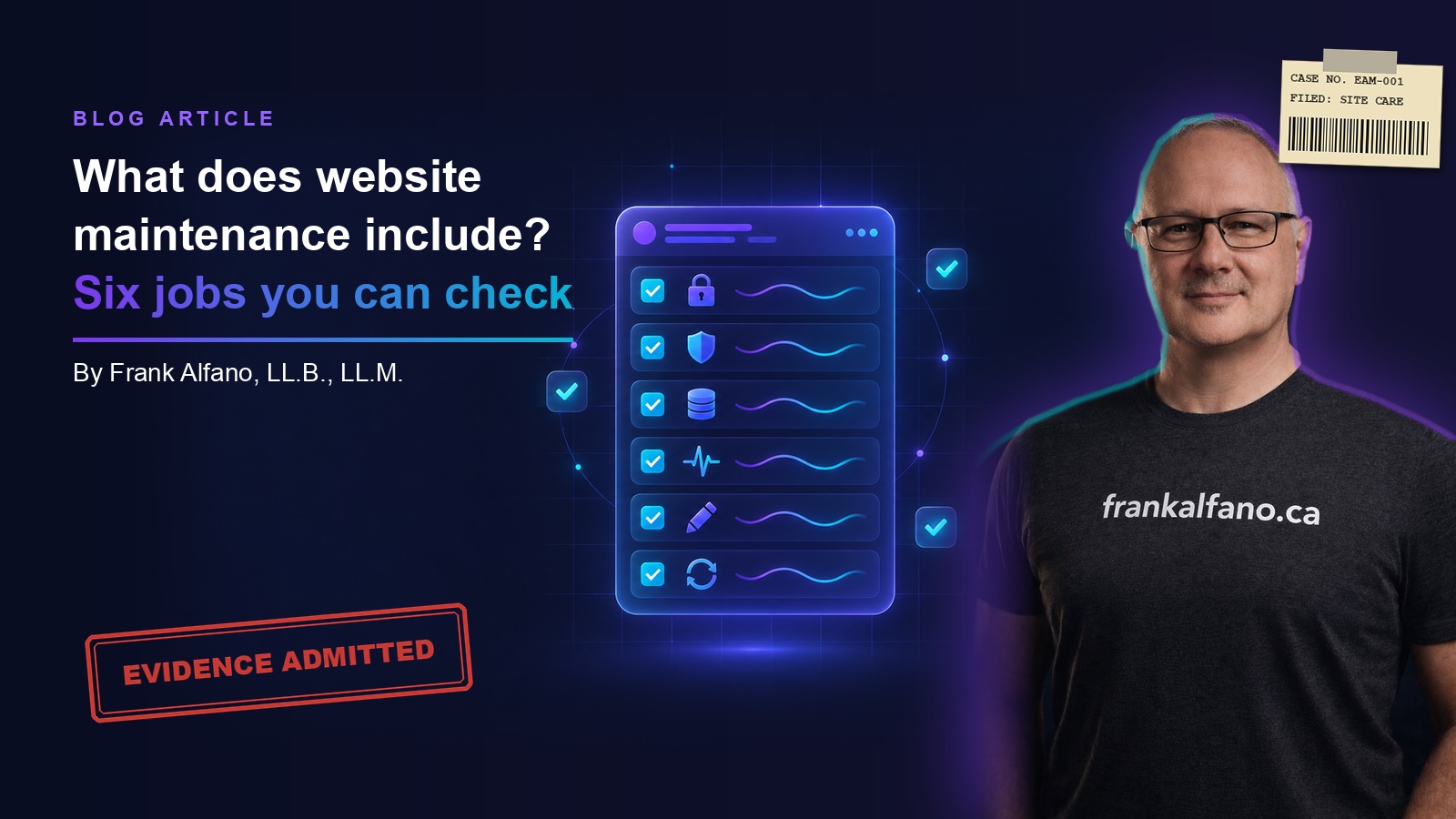
Six jobs. Each one has an owner, a frequency and something that goes wrong in public when it is skipped:
- Software and security updates to whatever your site runs on.
- Keeping the security certificate valid, so visitors never see a warning page.
- Backups stored somewhere other than the server, and tested by restoring one.
- Uptime, meaning somebody other than a client notices when the site is down.
- Small content changes: hours, a staff photo, a new service.
- A monthly report in plain English that says which of the above happened.
I spent 33 years as a paralegal in Ontario courtrooms before I built websites, and the habit that carried over is reading a retainer for its duties. Everything else in a maintenance agreement is decoration.
Software and security updates
Every website runs on software somebody else wrote: WordPress and its plugins, or in our case Django on servers at Hetzner. Its makers find holes and publish fixes, and a fix does nothing until someone installs it on your server. The Canadian Centre for Cyber Security says so in its top measures for small and medium organizations: "Where possible, activate automatic patches and updates for all software and hardware to prevent threat actors from exploiting these issues or security vulnerabilities."
Software also has an expiry date. The Django project's download page lists when each release stops receiving security fixes, and extended support for Django 5.2 ends in April 2028. Someone has to know your platform's date and move the site before it arrives.
When nobody does this job, the site keeps working, which is the trap. Unpatched software looks identical to patched software until somebody uses the hole. If your contact form collects a client's description of their legal problem, or a patient's symptoms, that is the data on the other side of it.
For the sites we host, security patching comes with hosting: our pricing page lists hosting at $15/mo, covering the server, SSL and security patching. If someone else hosts yours, ask for the last update they installed and its date.
The security certificate
The padlock in the browser bar comes from an SSL certificate, and certificates expire. Let's Encrypt, a free certificate authority, says in its FAQ that its default certificates "are valid for 90 days."
The window is shrinking for everyone. In April 2025 the CA/Browser Forum, where browser makers and certificate authorities set the rules, passed ballot SC-081v3. It cuts the maximum life of a certificate from 398 days to 47, in steps running from March 2026 to March 2029. A yearly chore is becoming a monthly one, so it needs automation and a person who checks the automation.
When nobody does this job, visitors get the full-page warning that Google's Chrome help page describes: "Your connection is not private." Very few people book a root canal, or a consultation about their divorce, past that sentence. They press back and call the next name on the list.
Backups that live somewhere else, and restore
A backup kept on the same server as the website protects you from a typo. It does nothing when the server itself is the problem, whether that is a failed disk, a dispute with the host or ransomware. The Cyber Centre's ransomware guidance tells organizations to "create many security barriers between your production systems and your backups."
The second half is testing. The Cyber Centre's tips for backing up your information put it in eight words: "Test your backups to make sure they work." A backup nobody has restored is a hope with a file size, and the day you find out whether it works is the worst possible day to be finding out.
When nobody does this job, a bad day becomes a rebuild from memory and old emails, and the practice is missing from the web while it happens. On our side, nightly off-site backups are a separate add-on to hosting, listed on the same pricing page. Whoever holds yours, ask two questions: where are the copies, and when was one last restored?
Uptime, or somebody notices when it is down
Sites go down. A server fails, a domain renewal lapses, an update breaks something at 2 a.m. The job is noticing quickly, and the person who notices should be someone you pay.
In a lot of small practices the uptime monitor is a client who phones reception to ask whether the firm has closed. It is a free service, and it performs like one.
Google's documentation on server errors says those errors "prompt Google's crawlers to temporarily slow down with crawling," and that its indexing pipeline "removes from the index URLs that persistently return a server error." An outage of an hour costs you a few calls. An outage nobody notices can cost pages their place in Google's index. Our article on what a technical SEO audit finds that breaks rankings covers more of what neglect does there. Ask your provider who gets the alert when the site stops answering, and how fast.
Small content changes
This is the job owners notice most, because it is the one they ask for. New hours over the holidays. A photo of the associate who joined in September. A new service, such as a dental clinic adding sleep apnea appliances or an accounting firm taking on estate returns.
When nobody does this job, the website tells clients something false, and they believe it. A client arrives on a Saturday because the site still lists Saturday hours. A patient asks for the hygienist who left last spring. None of it is a security incident, and all of it makes a careful practice look careless.
Fixing errors is the floor. Keeping pages worth reading is a larger job, and our piece on content refresh and pruning covers it. Our Site Care plan is aimed at the floor: small content edits within reason, with no invoice per edit.
A monthly report in plain English
The report is how you check the other five. It should say what was done, what it means and what comes next, in sentences a lawyer, a dentist or an accountant can read between appointments. A dashboard of graphs with no sentences does not count.
That report is the other half of Site Care. When nobody writes one, you have no record, and without a record the monthly fee is an act of faith. For three decades I watched cases turn on what someone could prove. Maintenance turns on the same thing.
Your website maintenance plan should be a list you can enforce
A retainer that says "we will look after your website" binds nobody to anything. A retainer that lists duties lets you hold someone to each one. So put your current website maintenance plan beside the six jobs and ask your provider, in writing, which of them they did last month:
- Which updates were installed, and on what date?
- When does the security certificate expire, and what renews it?
- Where are the backups stored, and when was one last restored?
- Who is alerted when the site goes down, and how?
- Which content changes were made?
- Where is last month's report?
"That is not in your plan" is a fair answer. What matters is knowing where each job falls. Ours is split on the pricing page: patching comes with hosting, backups are an add-on, and Site Care covers edits and the report.
One question comes before all six: who holds the keys? If your provider controls the server and the code, their plan is the only way anything gets changed. Our clients can download a ZIP of their website code, for the reasons set out in do you actually own your website? If you are weighing what all of this adds to the ongoing bill, what your website really costs sets out the full picture.
Find out what is being looked after
If you cannot answer the six questions about your own site, start with the free website audit. Send me the site, and I will tell you in plain English what is and is not being looked after. If you would rather talk it through, book 30 minutes with no pitch.
Common questions
What does website maintenance include?
Website maintenance includes six jobs: installing software and security updates, keeping the SSL certificate valid, taking backups stored off the server and testing them, monitoring uptime so someone notices an outage, making small content changes such as hours or staff photos, and reporting in plain English on what was done. Whoever maintains your site should be able to tell you in writing which of these they performed last month.
How often does a website need maintenance?
Some website maintenance runs continuously and some runs monthly. Uptime monitoring should run around the clock, and nightly backups are a sensible default for a site that takes enquiries. Security updates go in as their makers publish them. Certificates renew often: Let's Encrypt's default certificates last 90 days, and industry rules cut the maximum to 47 days by March 2029. A monthly report confirms it all happened.
Do I need a website maintenance plan?
If your website takes enquiries or bookings, someone needs to be responsible for maintaining it, whether that is a paid plan, your host or a named person in your office. Without that, updates go uninstalled, certificates can lapse and outages go unnoticed until a client mentions them. A website maintenance plan is worth paying for when it lists its duties, so you can check each one was done.
Are backups included in website hosting?
Sometimes, and you have to ask. Hosting plans differ, and some keep backup copies only on the same server, which does not help if that server fails. Ask where the copies are stored and when one was last restored. At Exhibit A Media, hosting includes the server, SSL and security patching for sites we host, and nightly off-site backups are a separate add-on listed on the pricing page.
What should a website maintenance report say?
A website maintenance report should say, in plain sentences, what was done to the site that month, what it means for you and what comes next. It should name the updates installed, the backup status, any downtime and the content changes made. A page of graphs with no explanation cannot tell you whether the work was done, so ask for sentences you can check.
Want these in your inbox?
Roughly monthly. Unsubscribe any time.